WorkProof™ is the job app for air-conditioning installers, built by installers and shaped by every engineer who uses it. Photos, walkthrough videos, markups, plans, F-Gas and commissioning, all logged against the job from the first site visit to sign-off. And The Gaffer, an AI site foreman you can just talk to.
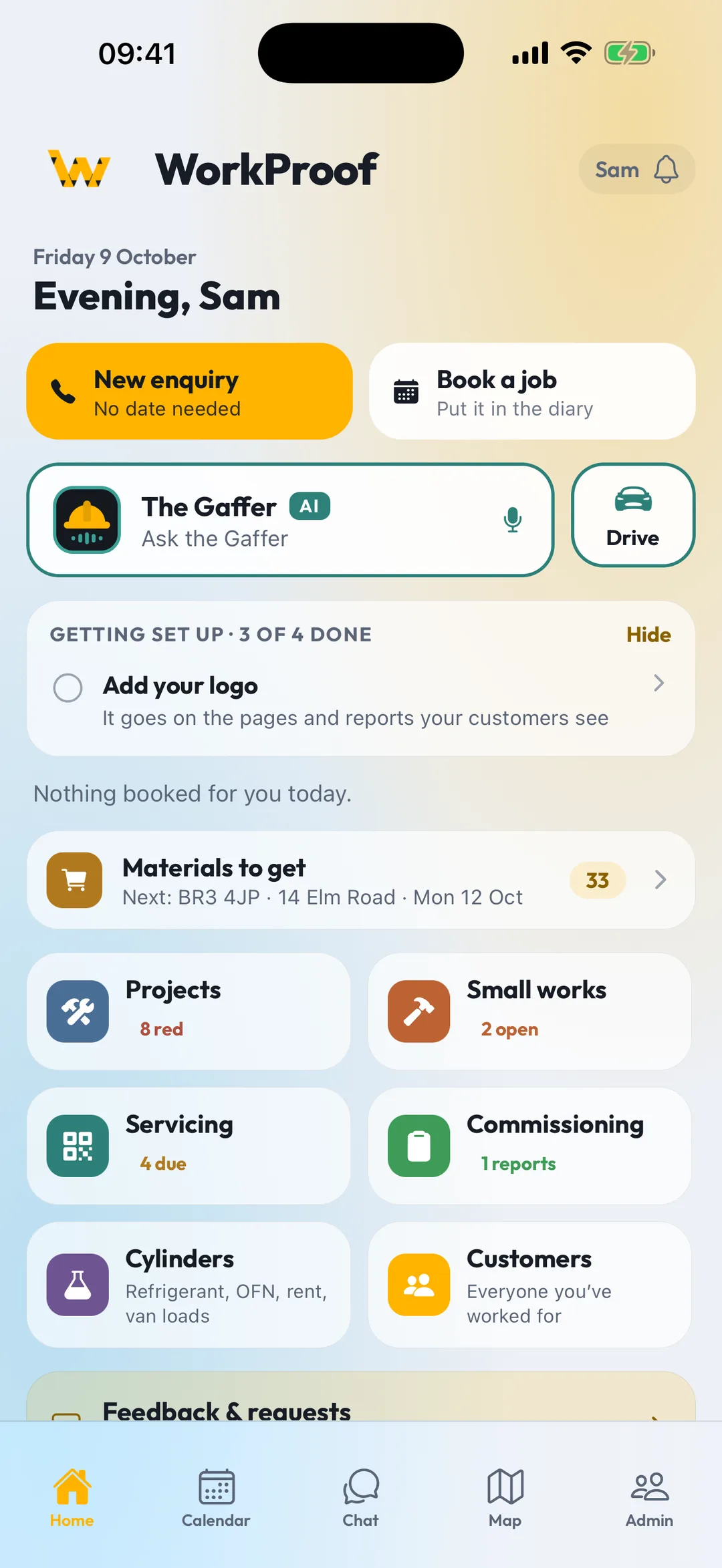
Built by AC engineers on real installs. The job, the paperwork and the office in one place, on iPhone, Android and the web.
Swipe to compare →
| WorkProof | General trade job apps | WhatsApp + camera roll | |
|---|---|---|---|
| Photos filed to the job, time & GPS stamped | ✓ | ✓ | ✕ |
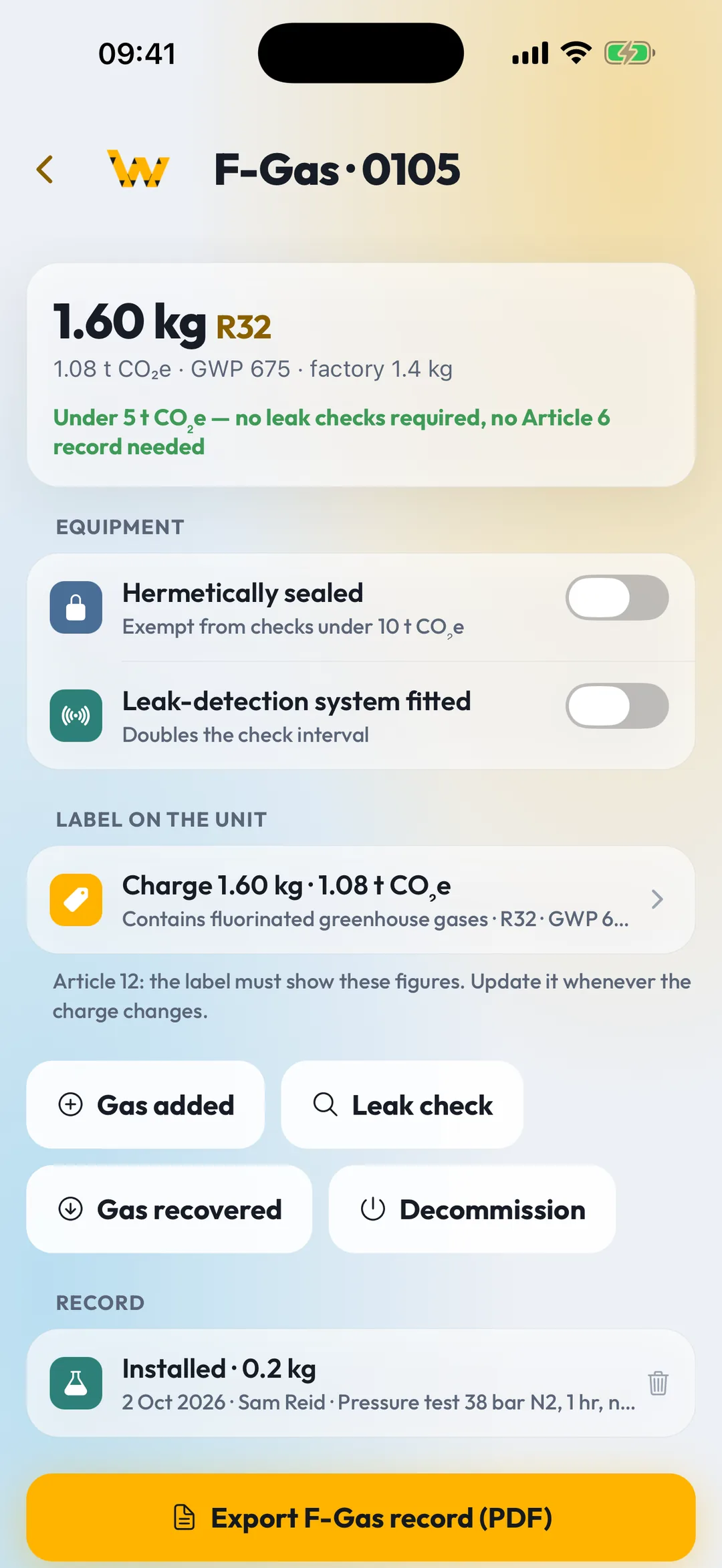
| F-Gas log with Article 12 label figures | ✓ | ✕ | ✕ |
| Commissioning sheets built for AC | ✓ | Custom forms | ✕ |
| Unit register with QR stickers | ✓ | ✕ | ✕ |
| AI survey drafted from a walkthrough video | ✓ | ✕ | ✕ |
| Plans, room scans & pipe-run measuring | ✓ | Some | ✕ |
| Automatic site arrival & departure log | ✓ | Some | ✕ |
| AI assistant you can talk to, hands-free | ✓ | ✕ | ✕ |
| Customer job page with photo & video upload | ✓ | Some | ✕ |
| Works offline | ✓ | Some | Photos only |
| Office dashboard & dispatch | ✓ | ✓ | ✕ |
| Built by AC engineers | ✓ | ✕ | ✕ |
| Price per engineer | From £19/mofor 2 users, founder price | £28–£50/motypical UK pricing | Freeuntil something goes wrong |
Compared with general-purpose trade job apps as of October 2026. Features and prices vary by provider and plan, and some offer extras as paid add-ons.

A site foreman in your pocket who knows your diary, your jobs and your materials. Tap the mic and talk. He answers out loud, in plain English, with a London accent.
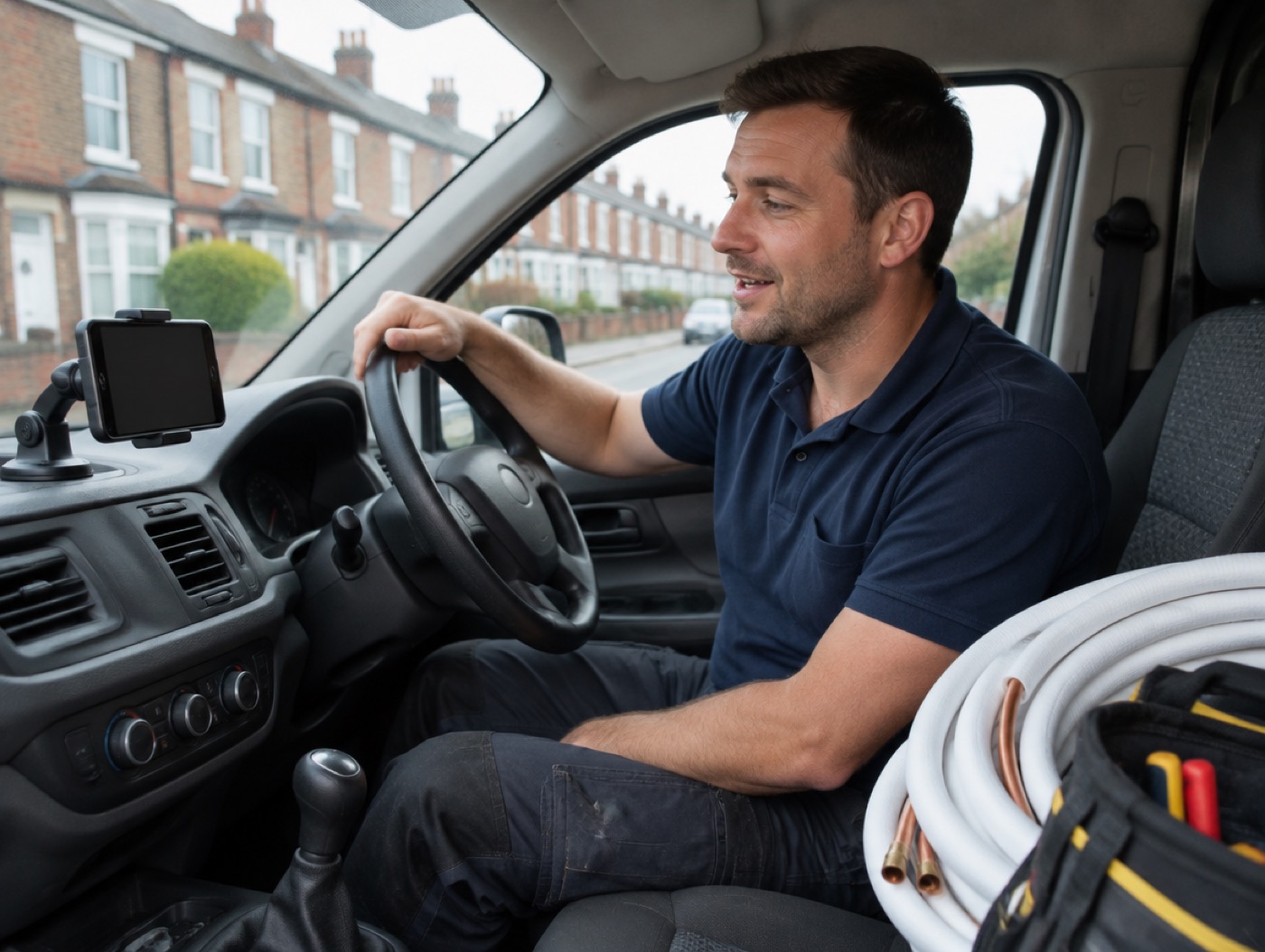
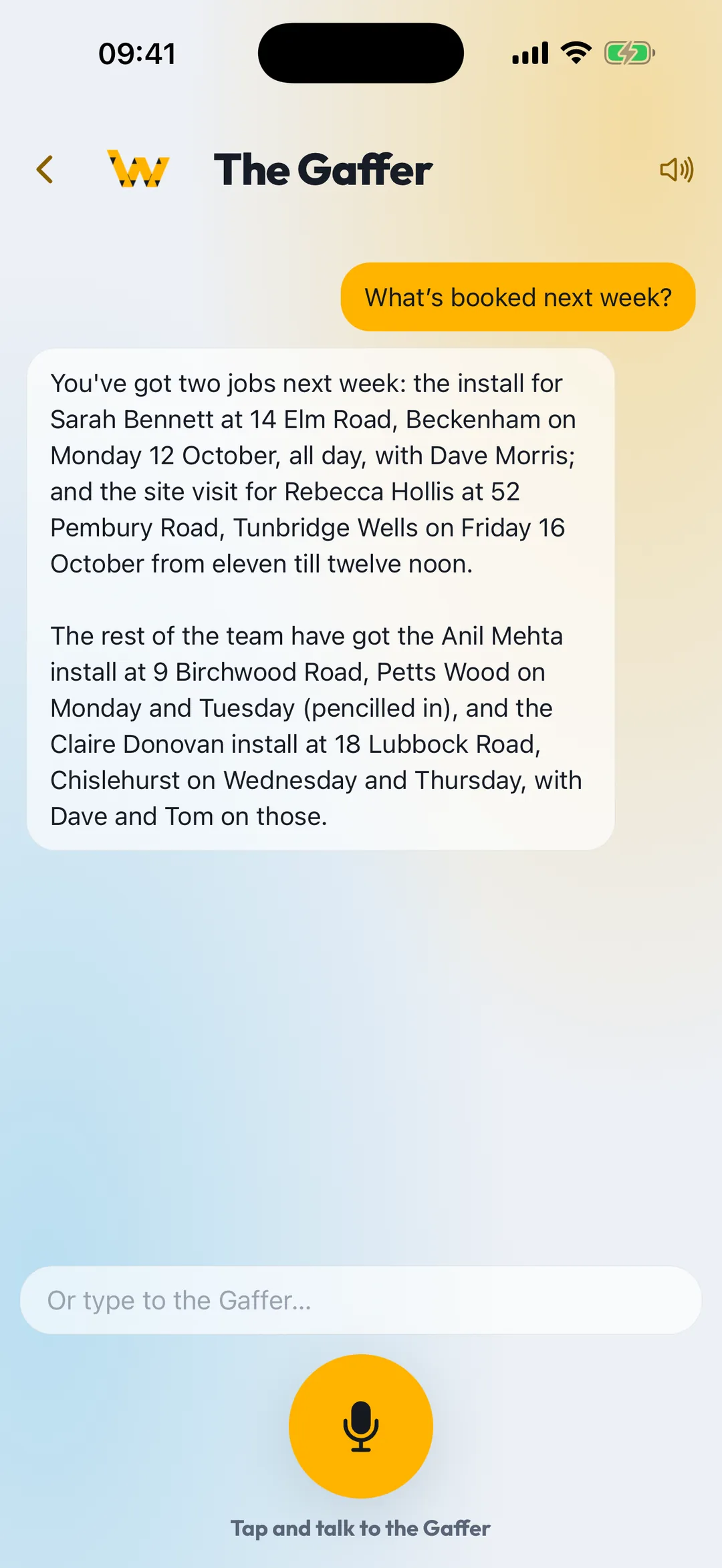
Hold a real back-and-forth with your hands full. Interrupt him, change your mind, ask a follow-up. He keeps up.
Who's on which job, what's booked next week, the hours on site today, what still needs collecting. Answered from your own records.
Messages to the team are shown to you first and only go when you tap Send. He never messages customers and never talks prices.
Every photo, clip and note is stamped with who, where and when, filed against the job, and there in the office before the engineer is back in the van.
Photos · Video walkthroughs · Voice notes · Markups
Filed to the job. Shared with the office. Kept for good.
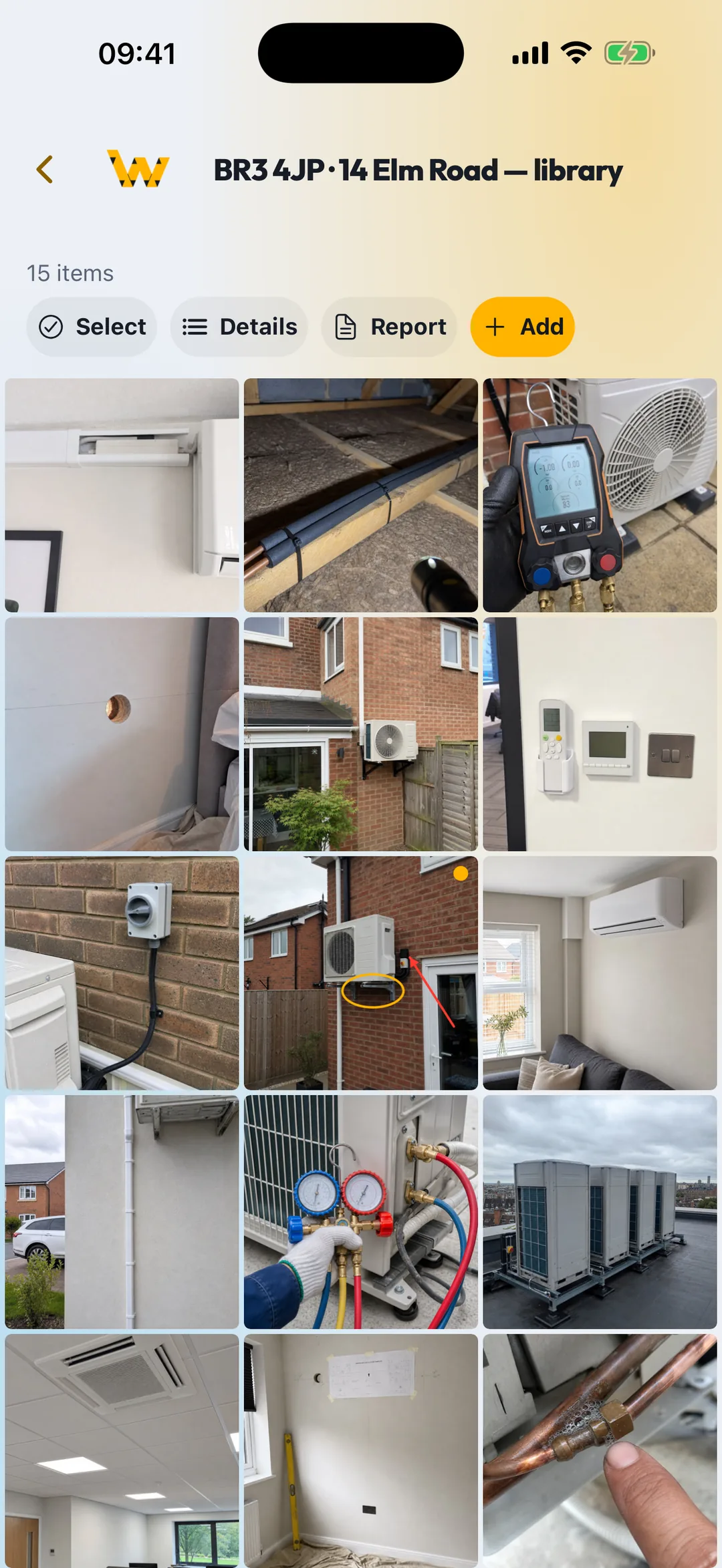
One flow for every install. Film it, photograph it, mark it up, hand the office a report. No WhatsApp threads, no camera roll archaeology.
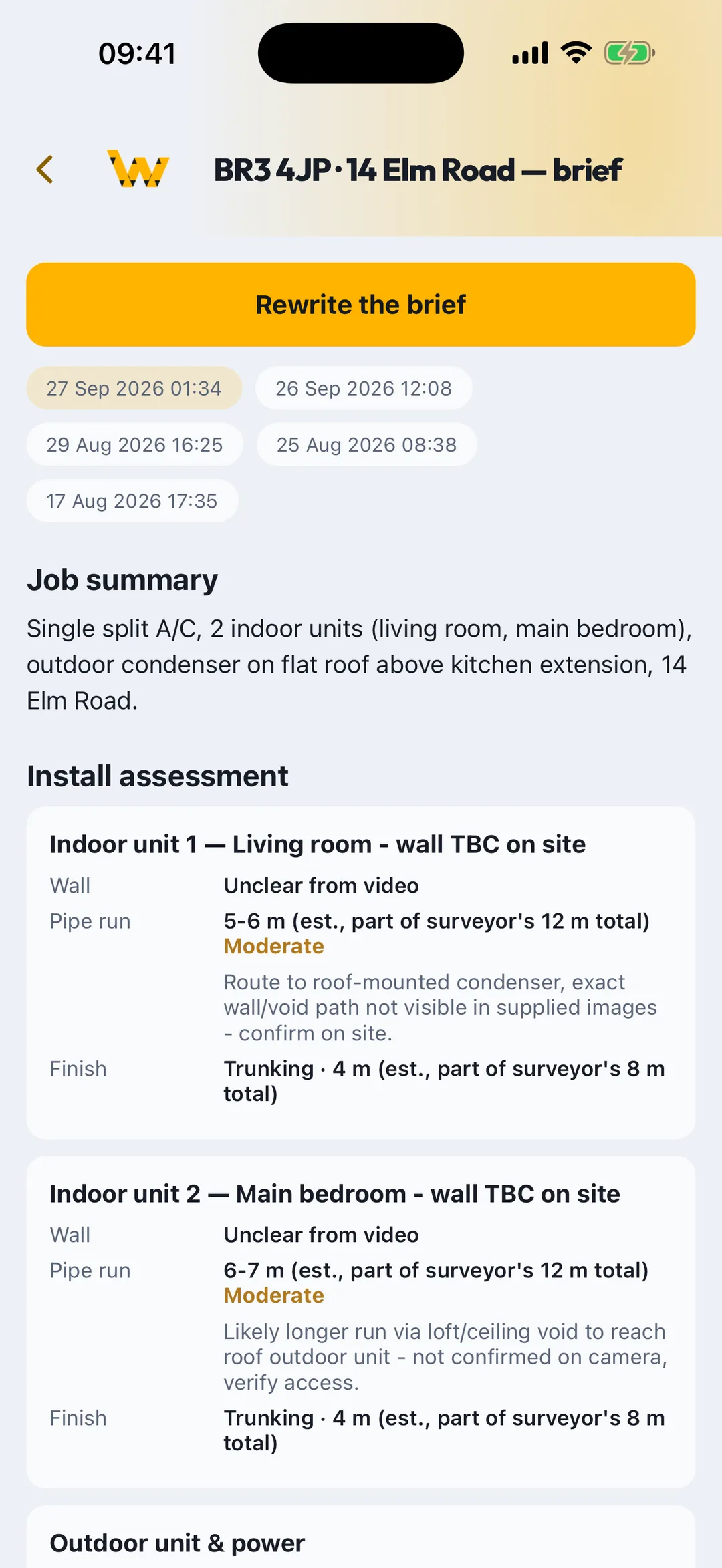
Film a walkthrough, scan the room, tap in the customer. The AI drafts the survey and the engineer's brief from the footage.
Photos, clips and voice notes straight to the job. Arrival and departure logged automatically from the site geofence.
Arrows, circles, measurements and pipe routes on any photo or plan. Calibrate a plan once and every run is in metres.
Commissioning sheets, F-Gas records, photo reports and customer updates, signed on the phone and sent as PDF.
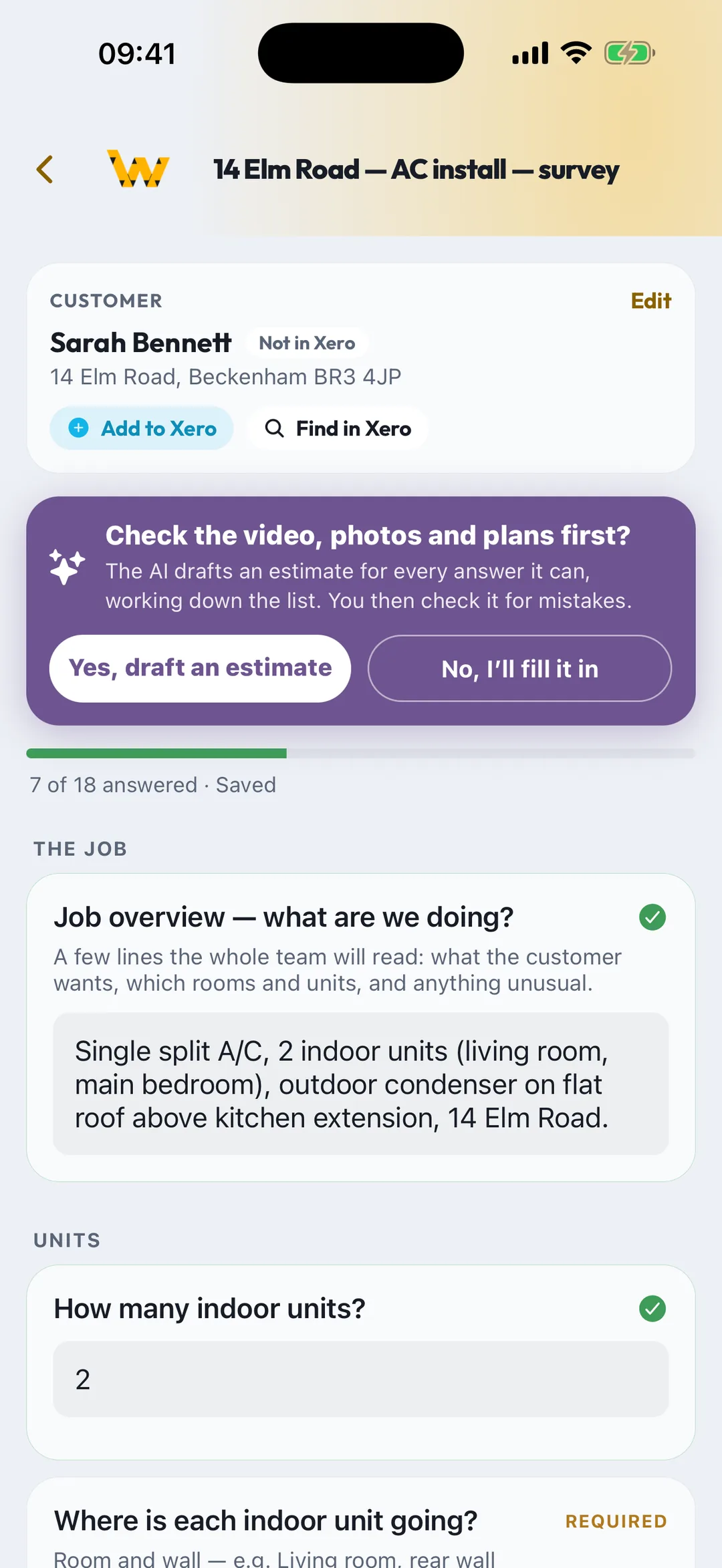
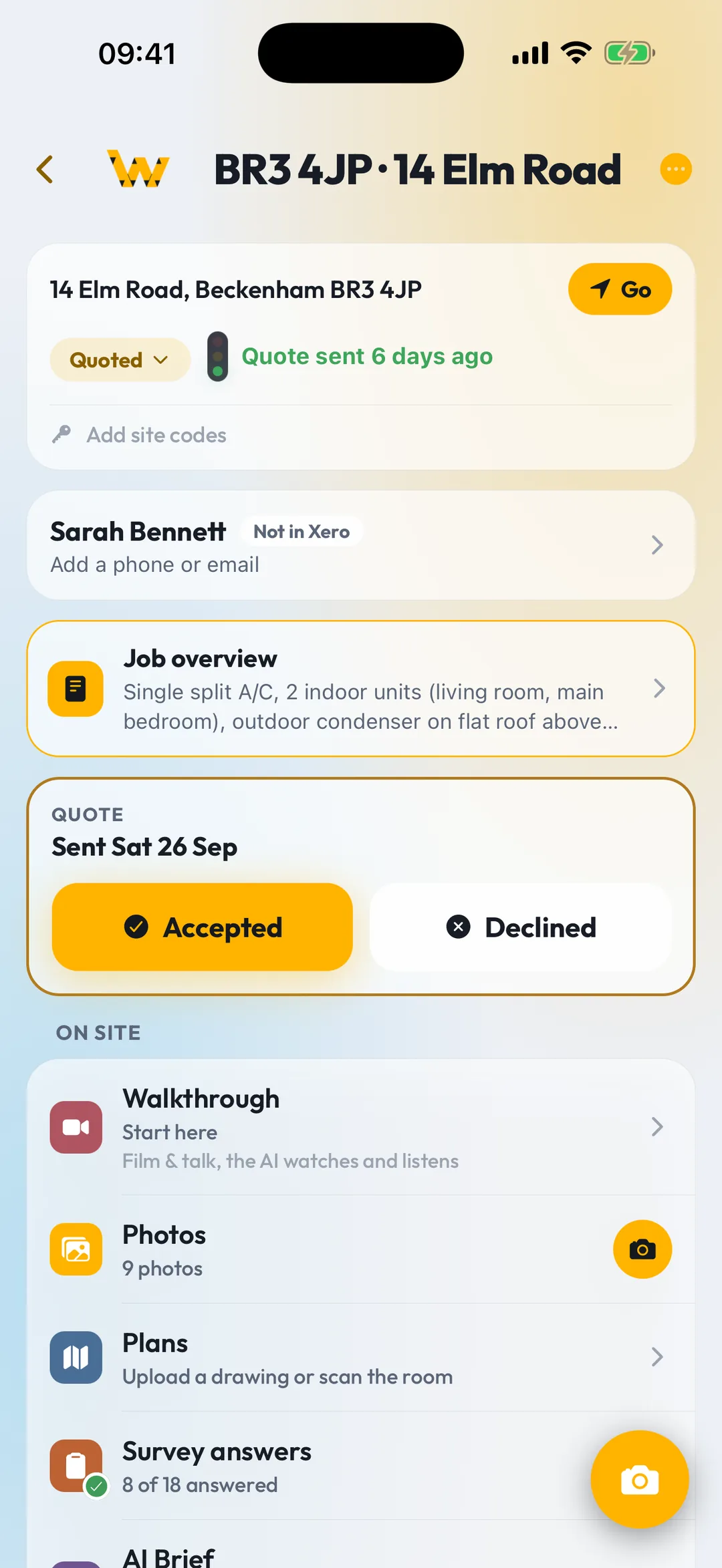
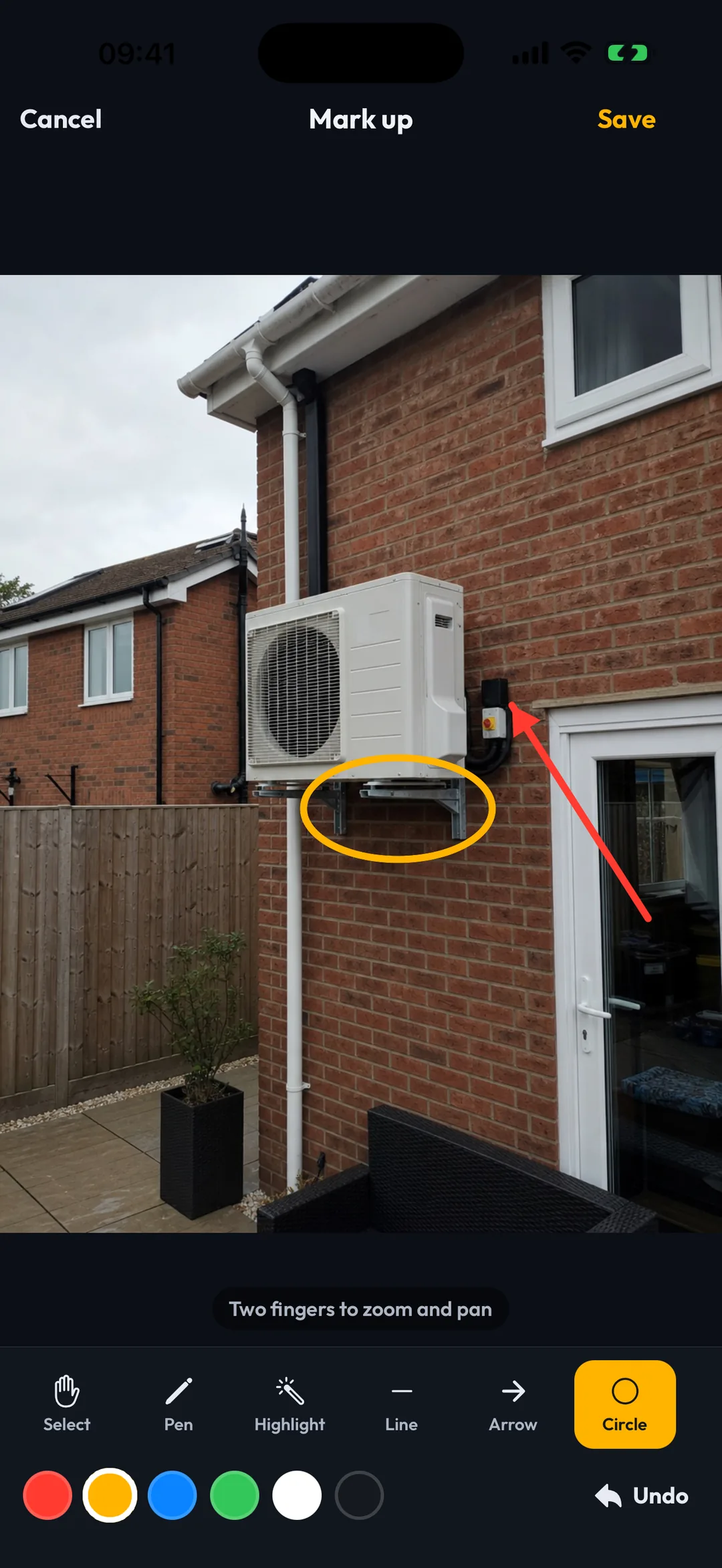
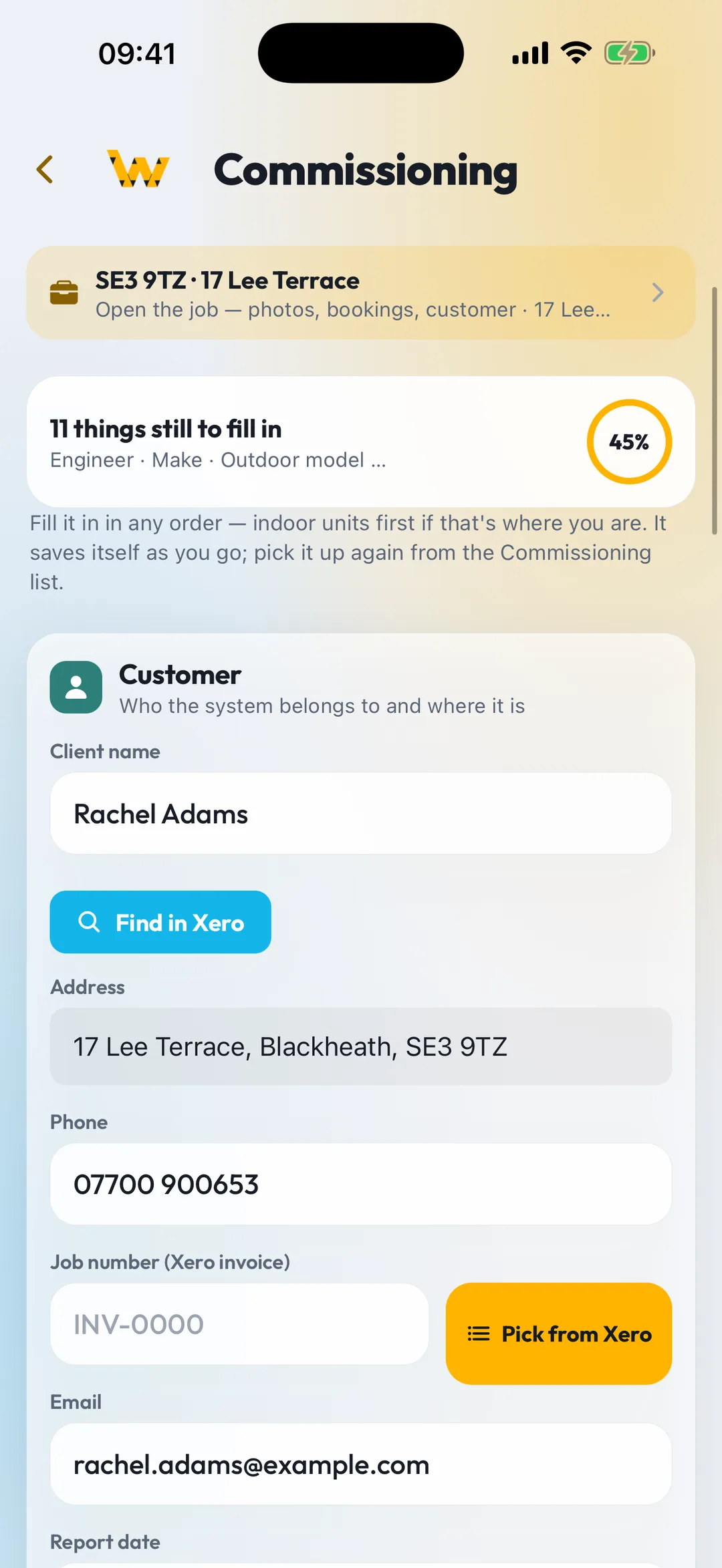
Every one of these came from a real day on site. Somebody asked, we built it, and it went out the same week.
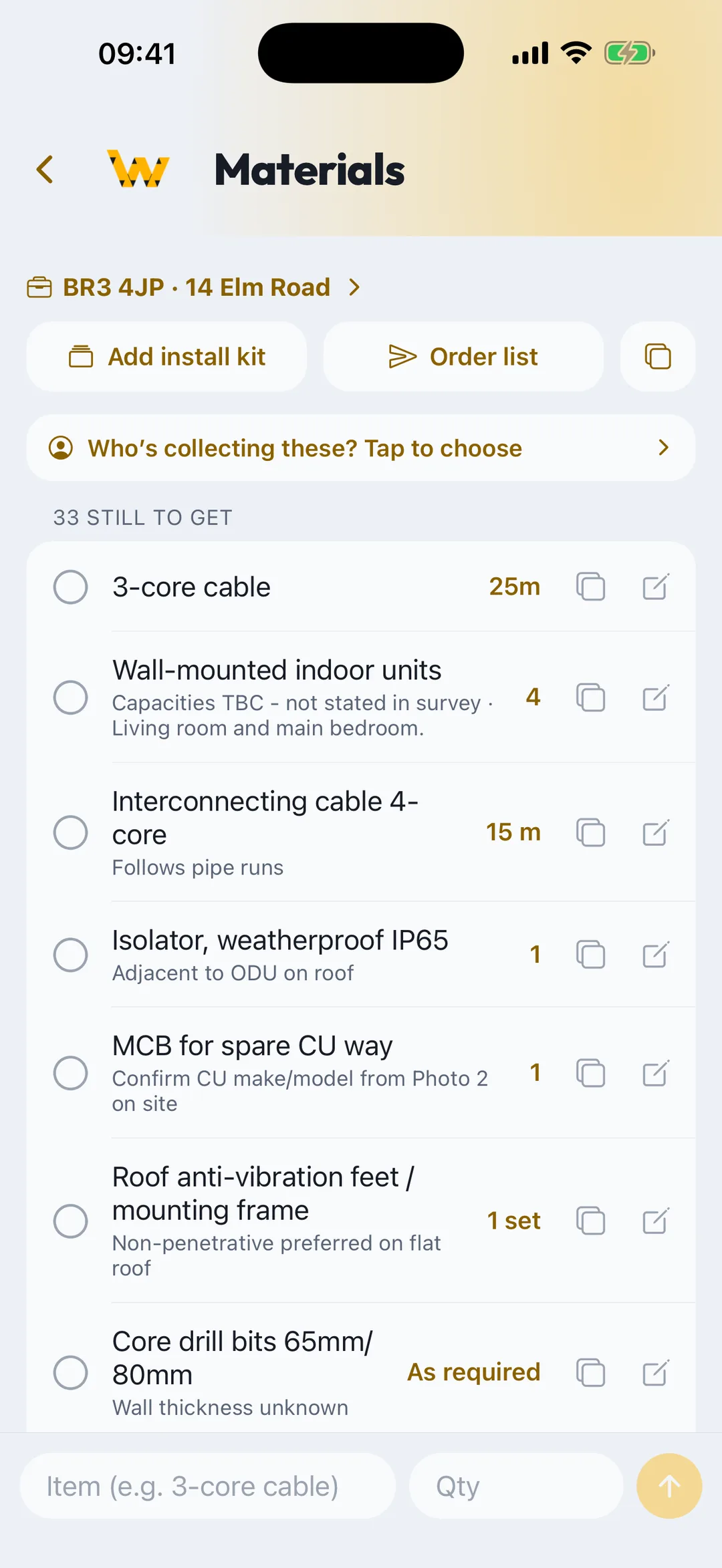
Everything still to collect across every upcoming job, by job or all together. Put a name against it and they get a nudge. Finished jobs drop off on their own.
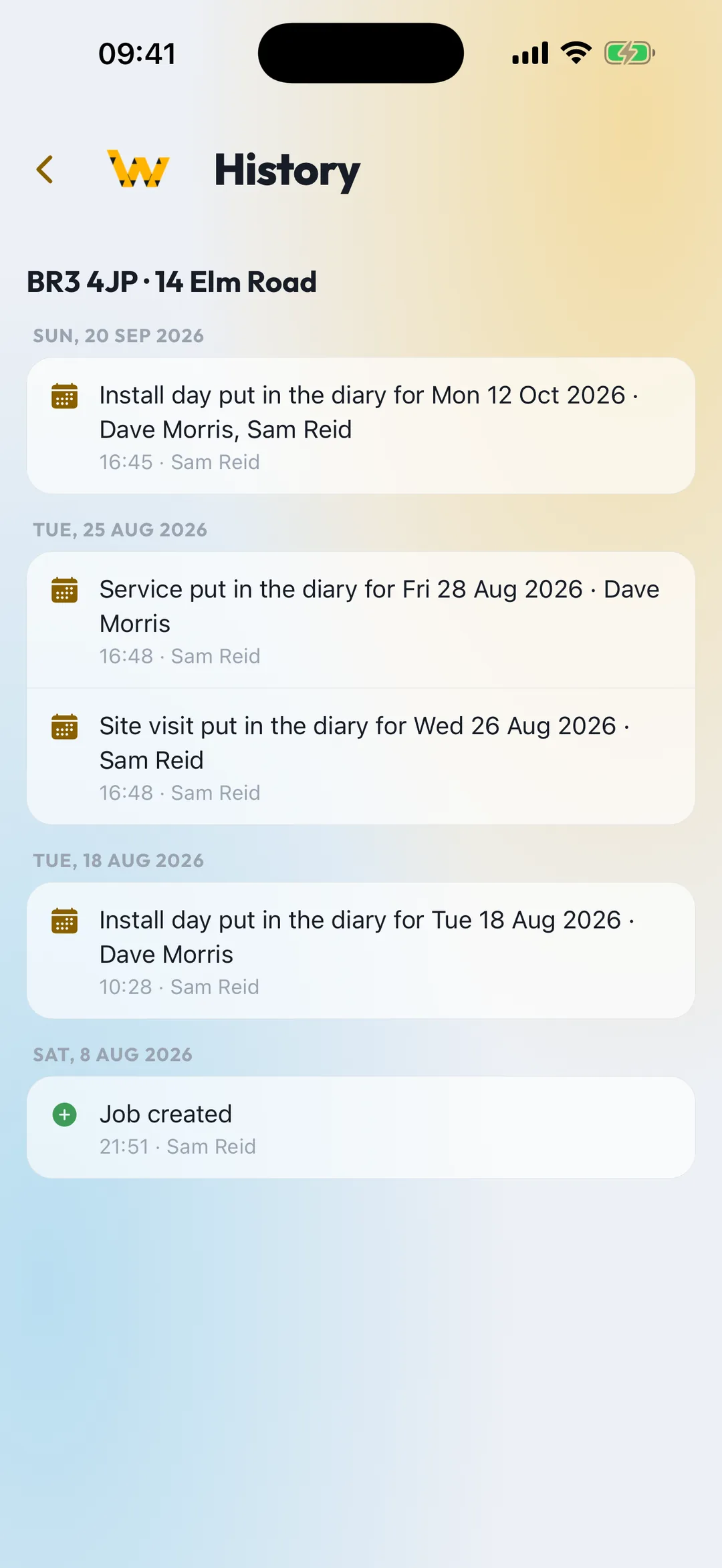
Every job keeps its own timeline: created, booked, moved, confirmed, and who did it. No more "I thought that was Thursday".
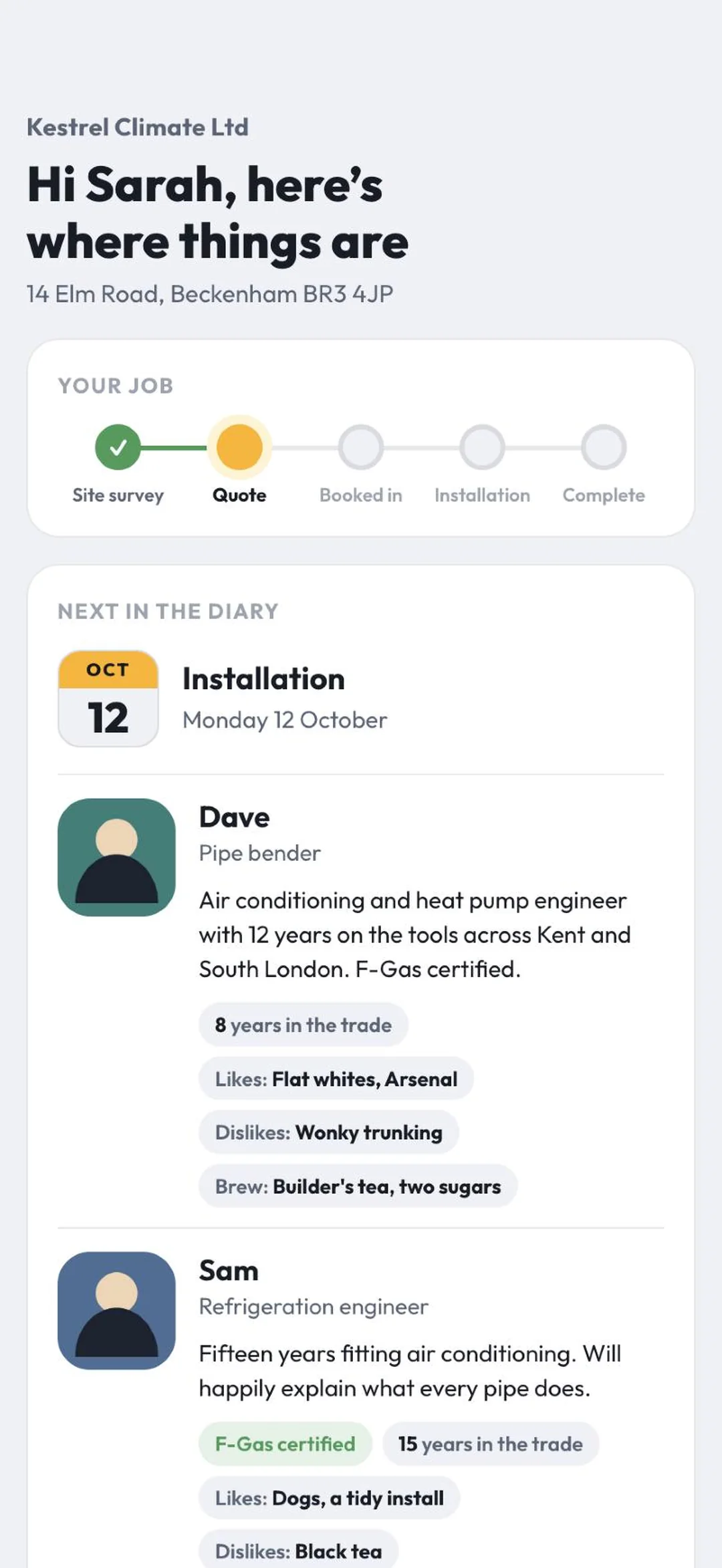
Each job has a page for the customer: what's booked, who's coming, and a button to send photos or a video of the fault. Big clips welcome. No prices shown, ever.
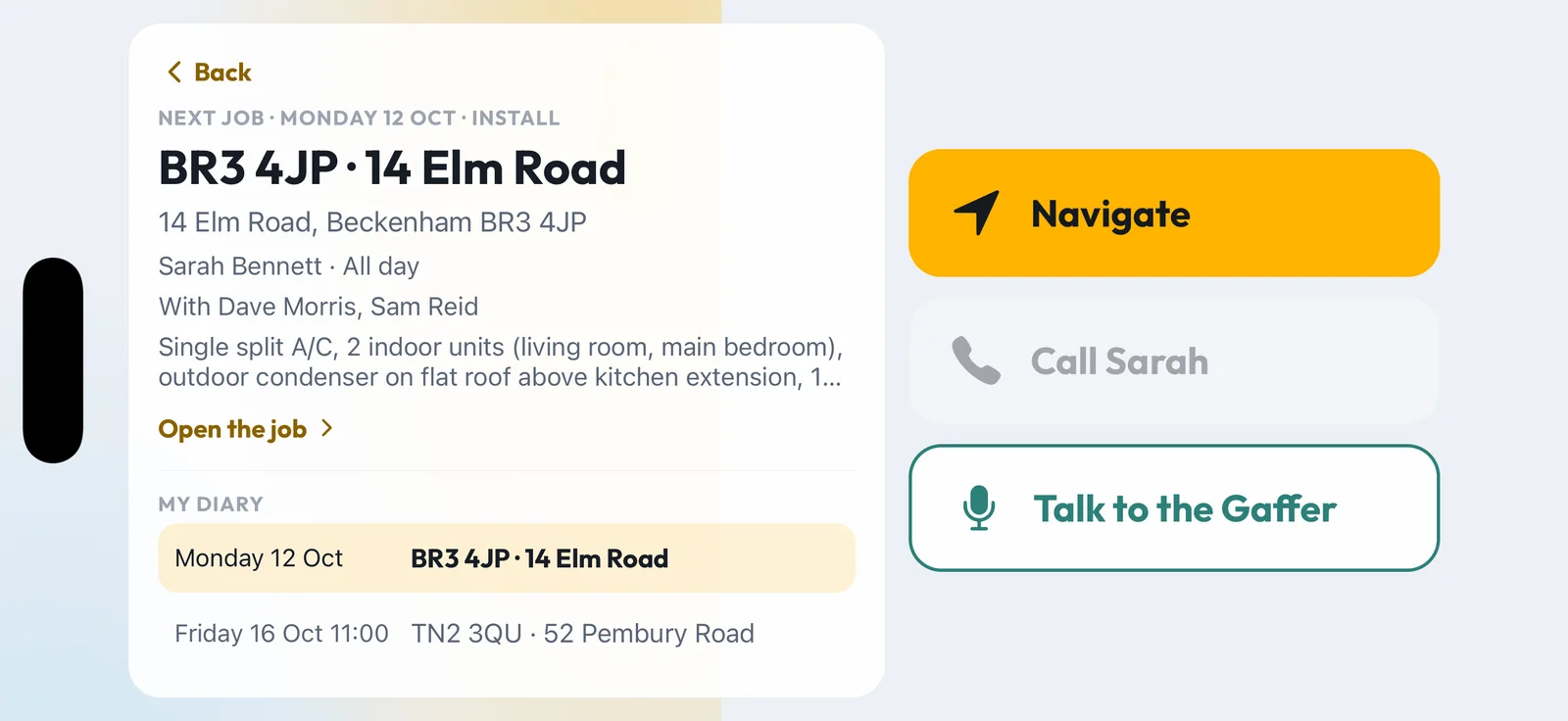
Turn the phone on its side and WorkProof turns with it. Your next job, the address and three big buttons: Navigate, Call the customer, Talk to the Gaffer. Directions go to the door number in Apple Maps, Google Maps or Waze.
CarPlay and Android Auto are next on the list.
Built on real installs, not in a boardroom. Big buttons, few taps, works with gloves on and no signal.
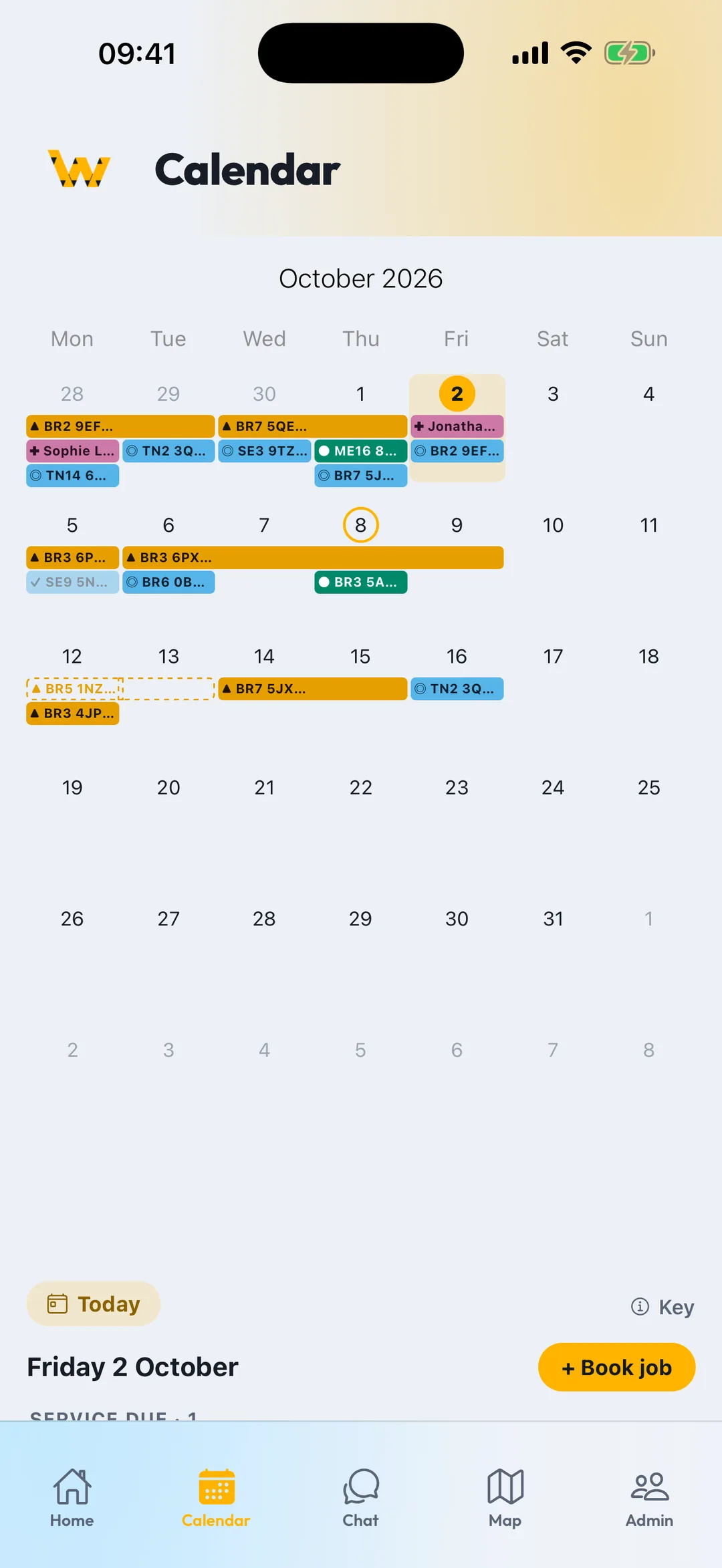
Engineers work from the phone. The office works from the browser. Same jobs, same photos, same chat, updated the second anything happens.

Shoot from inside the job. Unlimited walkthrough recording, captions by voice, tags and before/after pairs.
› stamped · queued offline · synced
Pen, arrows, boxes, text, measure and pipe-route tools on photos and PDF plans. LiDAR room scans become to-scale plans.
› pipe run 7.4 m · trunking 3.2 m
Arrival and departure are stamped from the phone's GPS at the booked site. At the end of the day you confirm your hours with one tap, or ask the Gaffer to do it.
› 08:12 arrived · 16:40 left · confirmed
A chat per job with @mentions on photos. Customers get a booking confirmation, a day-before reminder and "we're on our way", with a link to their own job page.
› reminder 17:00 · on-our-way · done
Invoices and receipts scanned into the job costs, customers looked up from Xero, PDFs shared anywhere.
Generic job apps stop at photos. WorkProof knows what an F-Gas record is, what a commissioning sheet needs, and which unit is due a service.
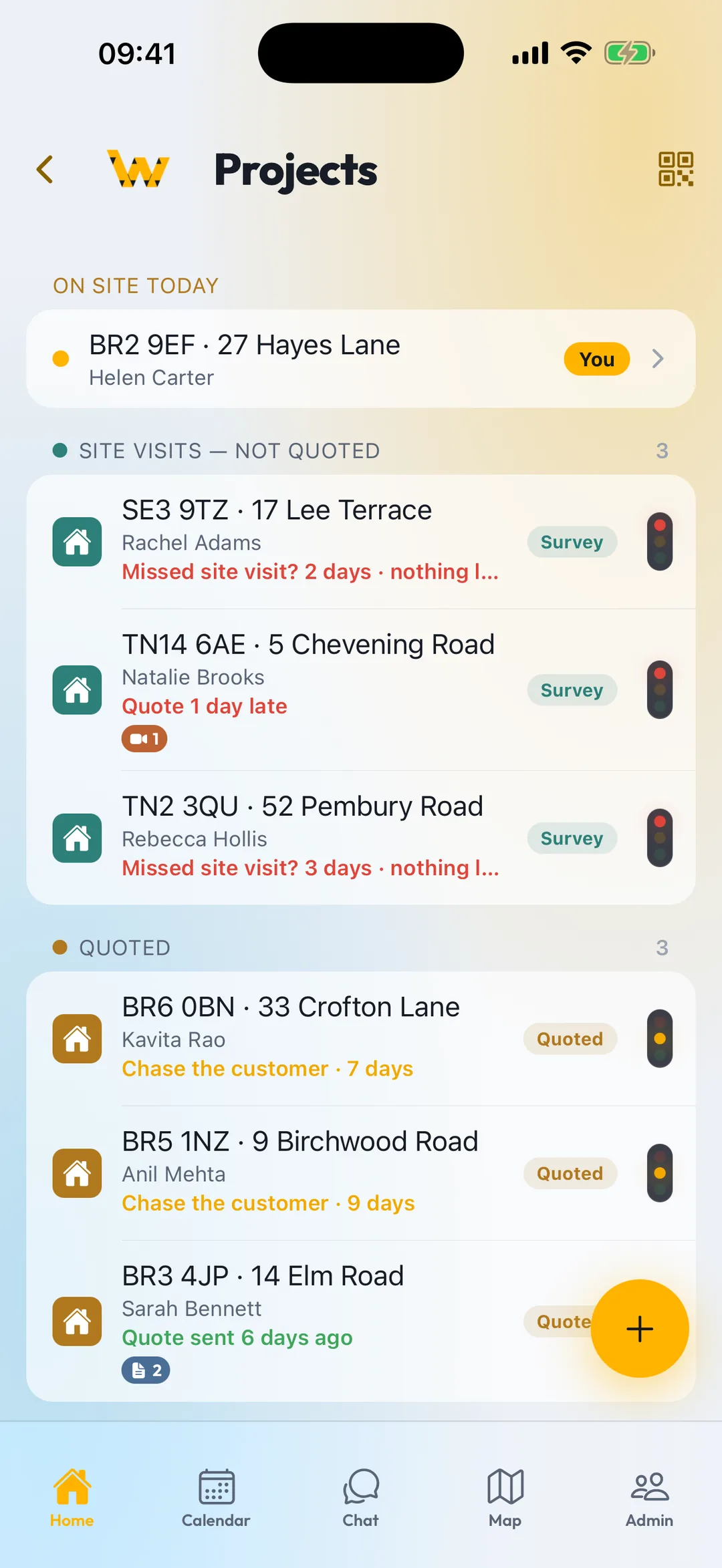
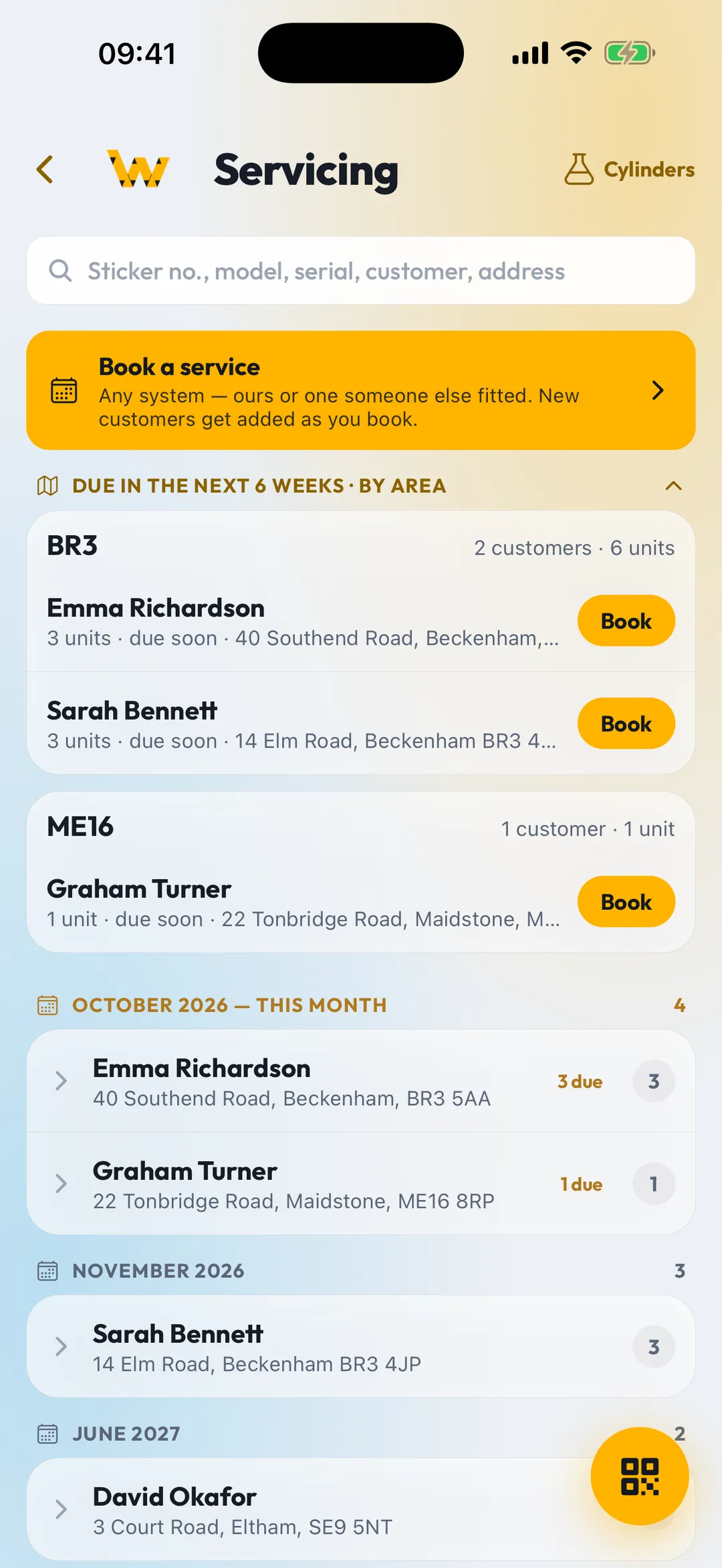
Dashboard, dispatch board and jobs table in any browser. Drag a job to another day or engineer, and their phone updates.

Who's where, what's booked, which jobs have gone red and why.
Drag and drop bookings between days and people. Conflicts show before they happen.
Stage, health, costs and margin for management. Engineers only see what they need.

I spent too many evenings scrolling through thousands of photos in endless chats, looking for one picture from one job. So we built something better.
— The founder, an air-conditioning installer who still goes out on installs
WorkProof started as a tool for one installation company that had outgrown WhatsApp groups and camera rolls. Every feature was built on a real job, tested by real engineers, and thrown out if it needed more than a couple of taps. It runs a working HVAC business every day. Now it's opening up to yours.
One price for the whole company, every feature included. The first 100 companies get 3 months free, then the founder price, locked for as long as they stay. Cancel any time. Prices exclude VAT.
Includes 2 users (engineers or office). £7 a month for each extra user. Locked in for as long as you stay.
Includes 2 users (engineers or office). £10 a month for each extra user.
The same app, with help moving your existing jobs and customers across.
Pay yearly and get 2 months free. Every plan includes a generous monthly allowance of AI credits, WhatsApp messages and storage, with top-ups if you need more: see fair use. Founder places: first 100 companies, until 31 March 2027. You'll get a month's notice before any billing starts.
The core is the same for every trade: jobs, photos, video, plans, chat, calendar. Each edition adds the forms and registers that trade actually uses.
Splits, VRF, heat pumps. Units register, F-Gas, commissioning, breakdowns.
Circuit schedules, test results, EICR photo evidence, consumer unit records.
Boiler commissioning, Benchmark, gas safety records, cylinder registers.
Stage photos, snagging lists, drawings on site, subcontractor sign-off.
Yes. Photos, clips and notes queue on the phone and upload when you're back in range. Nothing is lost if the app closes or the phone restarts.
An AI assistant inside the app that you talk to. Ask about your diary, your hours, a customer's number, what materials are outstanding or how to get to the next job, and he answers out loud. He works from your company's own records, can add to a materials list and draft a message for you to send, and won't quote prices.
Turn the phone on its side in a cradle and the Drive screen shows your next job with big Navigate and Call buttons, and you can talk to the Gaffer hands-free. CarPlay and Android Auto are being worked on. Please only use it when it's safe and legal to do so.
iPhone (iOS 16 or later) and Android 10 or later. LiDAR room scans need an iPhone Pro; other phones measure rooms by tapping corners on the floor.
No. The office works from any browser at app.workproof.site with the same login. Phones for the field, browser for the desk.
Yes. Your jobs, photos and records belong to your company. Export PDFs at any time, and ask for a full export if you ever leave.
Yes. That's the whole point of the beta. Every suggestion is read by one of the engineers building WorkProof, and we'll get back to you. If it's feasible and helps installers, we'll build it and tell you when it's in. If we can't, we'll tell you why.
Nothing for 3 months. It's open to the first 100 companies that sign up, until 31 March 2027. All we ask is honest feedback: what's missing, what's annoying, what would make your day easier. After the 3 months you pay the founder price, £19 a month for 2 users and £7 for each extra user, locked in for as long as you stay. You'll get a month's notice before any billing starts, and you can cancel any time.
Company plans include an import from a spreadsheet or your current job system. Smaller teams can add jobs in a few taps each.
We're AC engineers, and WorkProof is our answer to years of lost photos, late-night paperwork and chaotic job chats. Now we want to hear what drives you mad on site. Join the beta free for 3 months, tell us what would make your job easier, and help us build the app installers actually need.
Everyone who helps shape WorkProof keeps the founder price, locked in: £19 a month for 2 users.